Digital Hot Foil Stamping Machine for Personalized Products
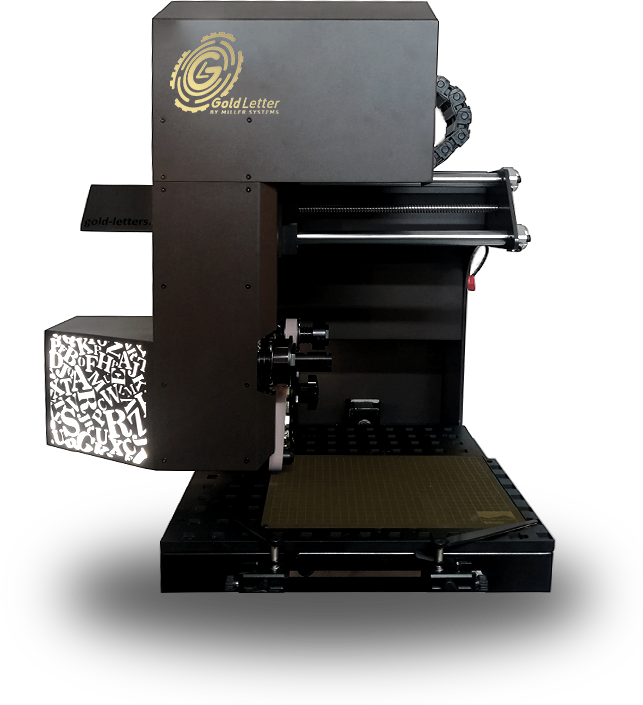
Bring personalized products to life with an advanced digital embossing and hot foil stamping machine. Add names, initials, and logos to leather goods, books, and packaging, with precise positioning and easy-to-use controls.
Scroll for more
Key Advantages
Consistent Results, Simple Controls
Control heat, pressure and contact time from the computer, then save suitable material settings for repeat work. Fewer repeated adjustments help your team maintain a consistent finish and reduce avoidable waste.
New Names without Hand Setting Letters
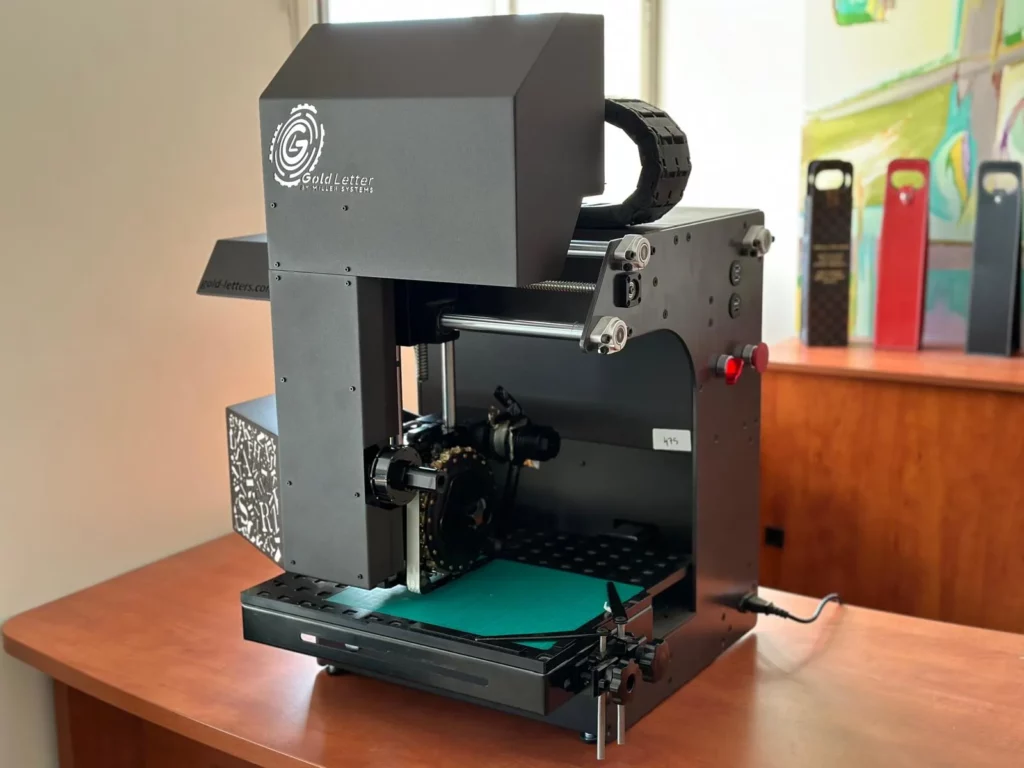
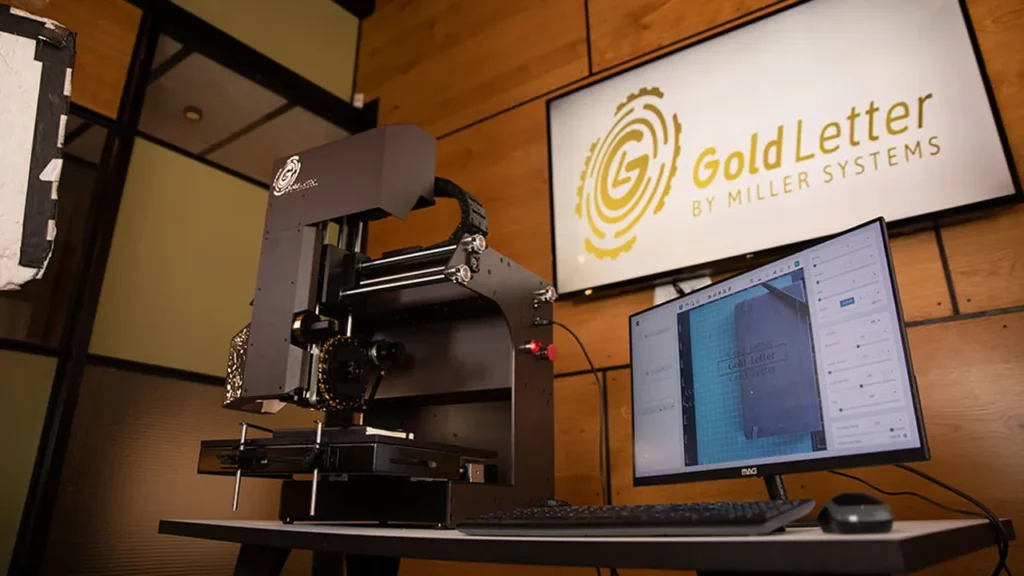
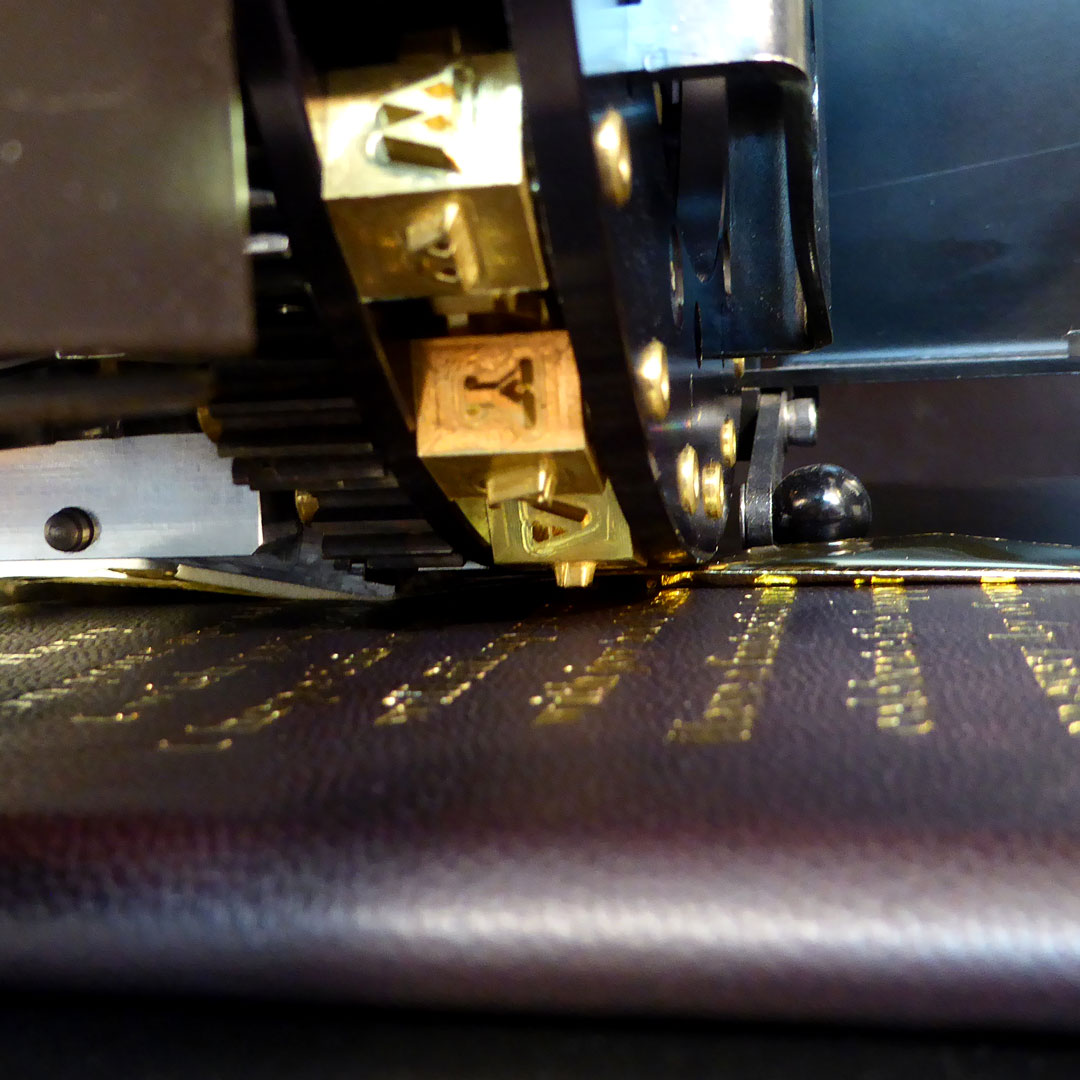
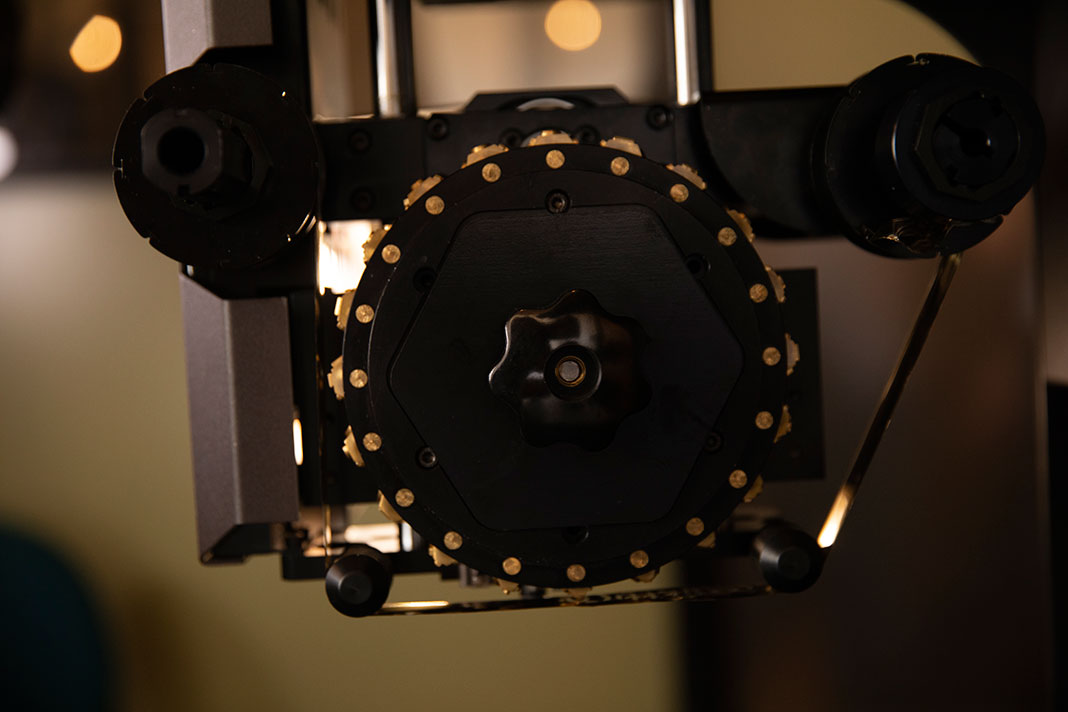
Enter each name in the software and our letter wheel selects and stamps the characters digitally. Repeated letters reuse the same character, so there is no need to arrange letters for each job or keep duplicate pieces of type.
Preview Your Design Before Stamping
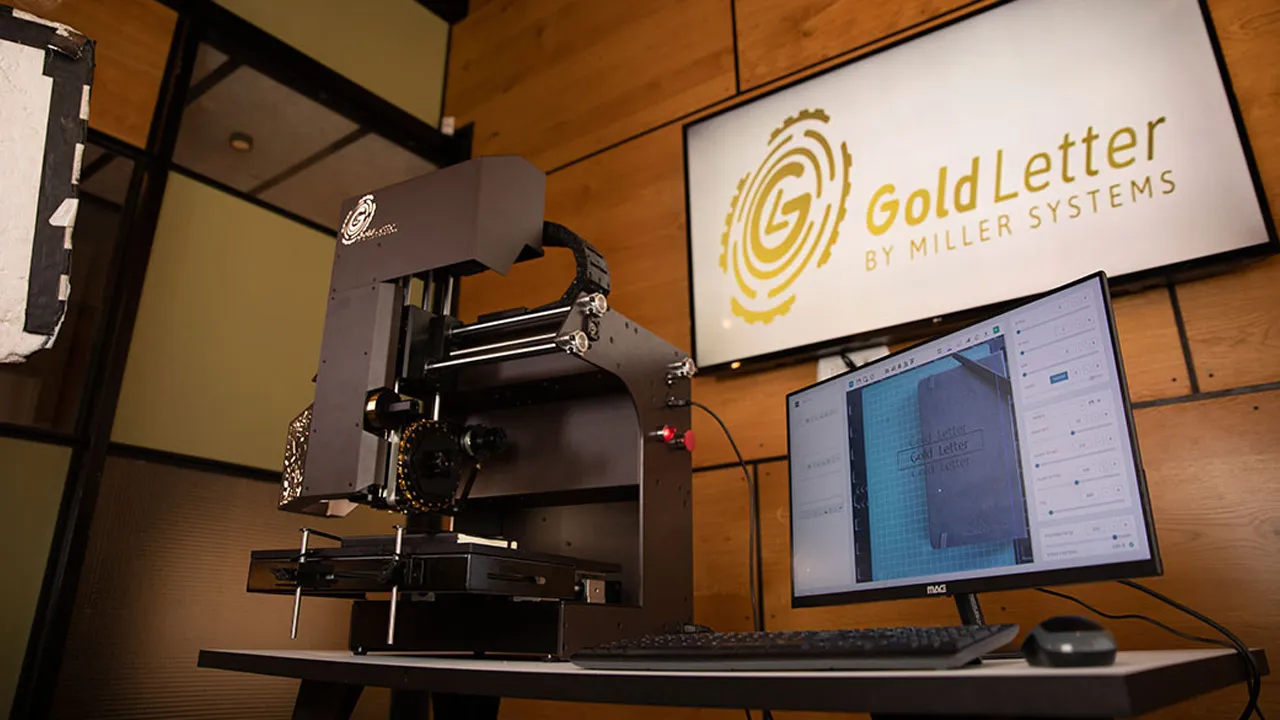
See your product on screen through the built-in camera and position your text or logo before stamping. Align each design with greater confidence, including on finished products.
One Machine, Many Product Possibilities
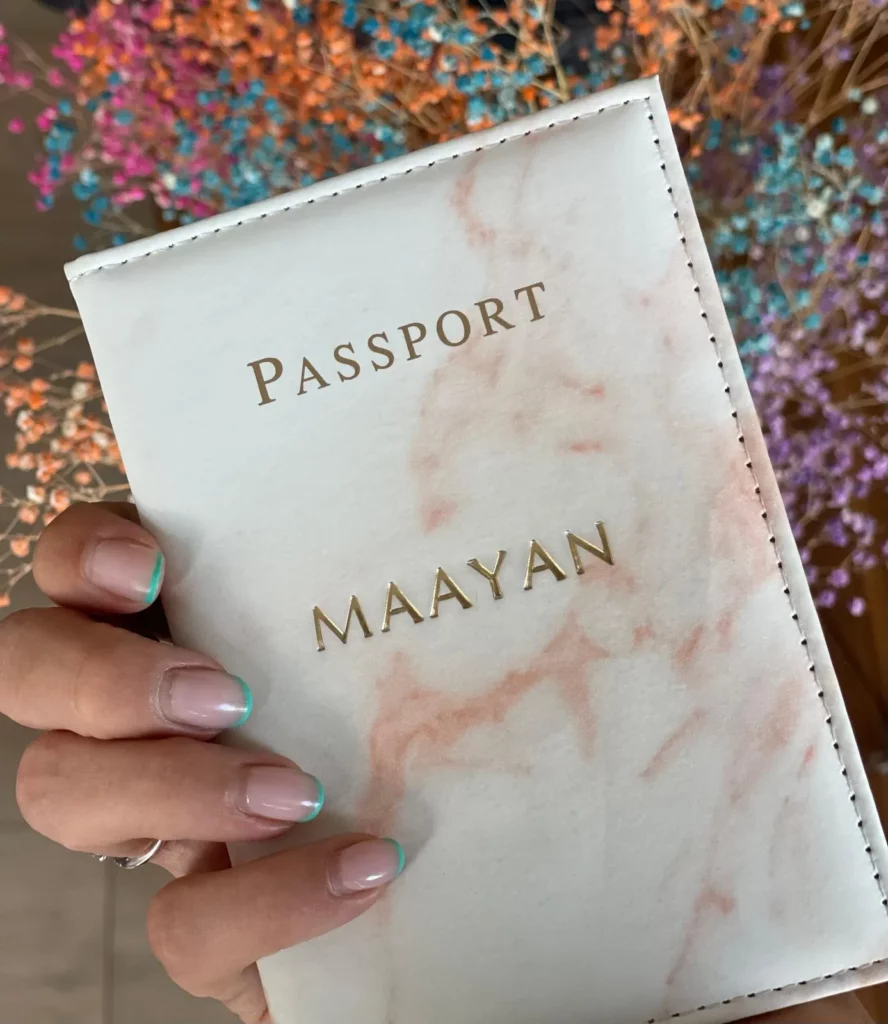
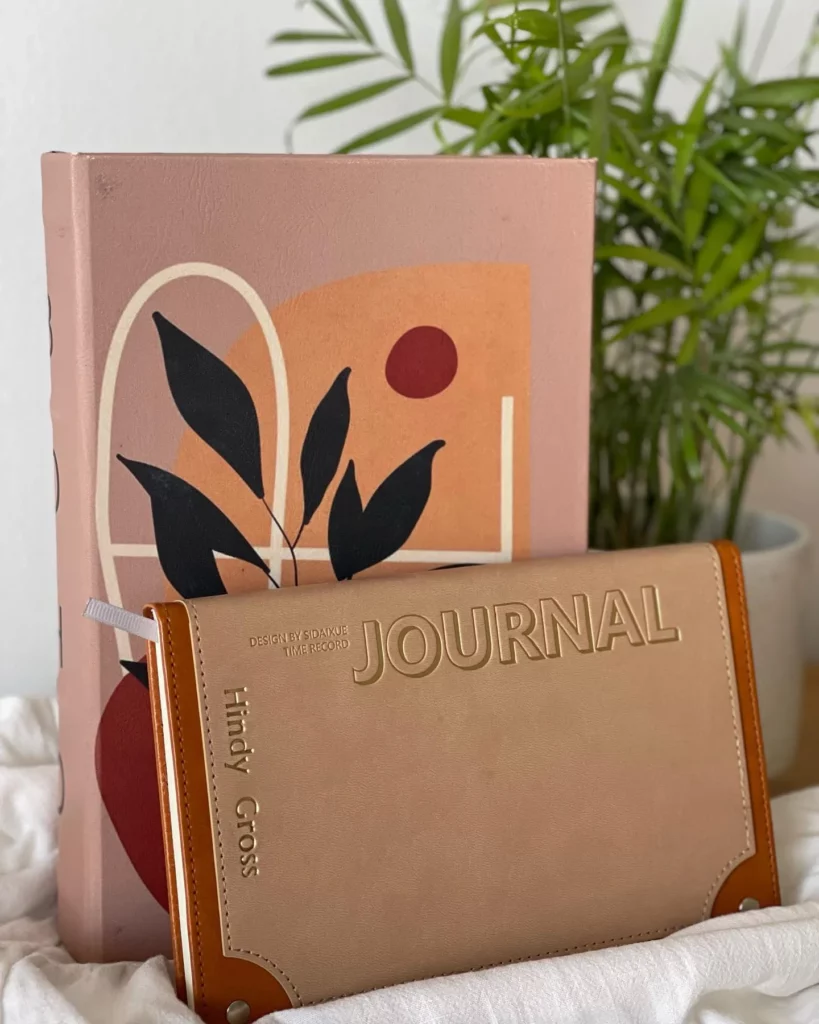
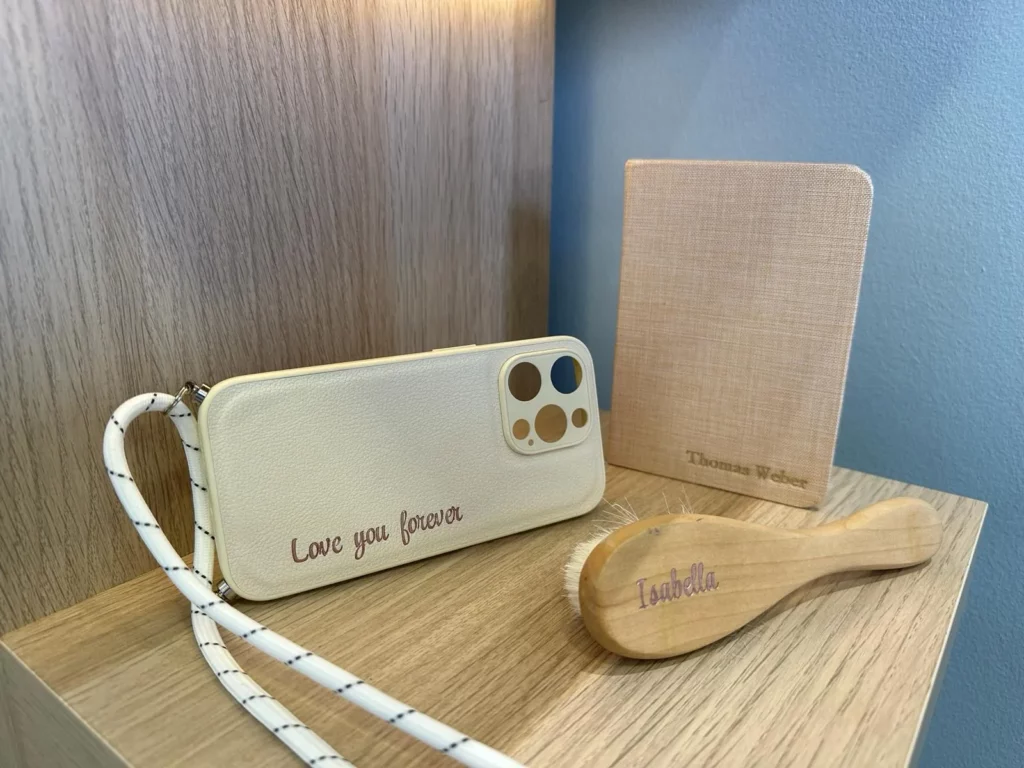
Add personalization to books, notebooks, wallets, bags, and packaging. Work with materials including leather, PU, paper, and cardboard to expand the range of products your business can offer.
Gold Letters grew out of hands-on experience personalizing leather goods and books. We knew the time spent setting up individual names, aligning each product, and adjusting the stamping process. So we developed an advanced digital embossing and hot foil stamping machine to make this work simpler. It helps businesses offer personalized products with less manual setup and greater control over the result.
How the Machine Works
Place Your Product
Place your book, leather item, or other product on the machine’s work surface and secure it in position.
Create and Position Your Design
Enter your text using the characters available on your letter wheel, or select your installed custom die. Use the camera preview to position the design on your product.
Choose Your Settings and Start Stamping
Adjust the stamping settings to suit your material and save them for repeat jobs. We guide you through the process during training, helping you achieve the finish you want.
Frequently Asked Questions
Do I need a custom die for every name or logo?
No. Enter names and messages in the software using the characters on your letter wheel. The machine selects them digitally and can reuse the same character for repeated letters. For branded products, a logo wheel is also available.
How many characters fit on the letter wheel?
Wheel capacity is approximately 120 to 140 characters, depending on character size and the selected layout. Confirm the final character list when specifying your wheel.
Can I use different fonts or languages?
Your custom wheel can include different fonts, sizes and languages within its available capacity. Send the font files and character list so we can confirm a suitable layout. The machine uses the physical characters on the installed wheel.
Is the letter wheel standard or custom-made?
Each letter wheel is made for your selected characters, font sizes and languages. You can order additional wheels for other character sets.
What font sizes are supported?
The character size range is 3 to 12 mm. The final size and wheel layout should be checked against your font, text and product.
Can I stamp on finished products?
Yes, suitable finished products can be positioned using the camera preview. The stamping area must be accessible and the product must be held securely. Ask us to check items with seams, curves, padding or unusual dimensions.
How is the machine shipped?
We ship worldwide directly from our factory via insured door-to-door delivery.
How do I choose a letter wheel?
Simply send us your desired font file and an Excel list of the characters, sizes, and any language preferences. We’ll build your wheel to match.
How fast is the machine?
After the material settings have been established, an impression takes approximately one minute from the completed design on the computer, depending on the number of characters. Finding settings for a new material takes a few minutes, with guidance from our team.
How is technical support provided?
We provide ongoing service and support as you use the machine. Our team helps with operation and material settings, so you have someone to turn to after the initial training.
How do I get trained on using the machine?
We guide your team through using the machine and finding suitable settings for your materials. You can save those settings for future jobs, making it easier to return to a consistent finish.
What is included with the machine?
The base purchase includes the Gold Letters machine, a computer, and the software required to operate it. Your quote will specify the full list of included items.
APPLICATIONS
What Would You Like to Personalize?
Explore the possibilities for your products, materials and business.